Cloud Phones, Explained: The Six Questions That Tell a Transparent Tool From a Black Box
A cloud phone is a real computer running a virtual Android phone on someone else's server. Cloud is not the problem. Hidden is. Here is the difference between a cloud tool you can see into and one that just asks for your login, and the checklist to tell them apart.
By Liz Dean · October 25, 2026 · 8 min read
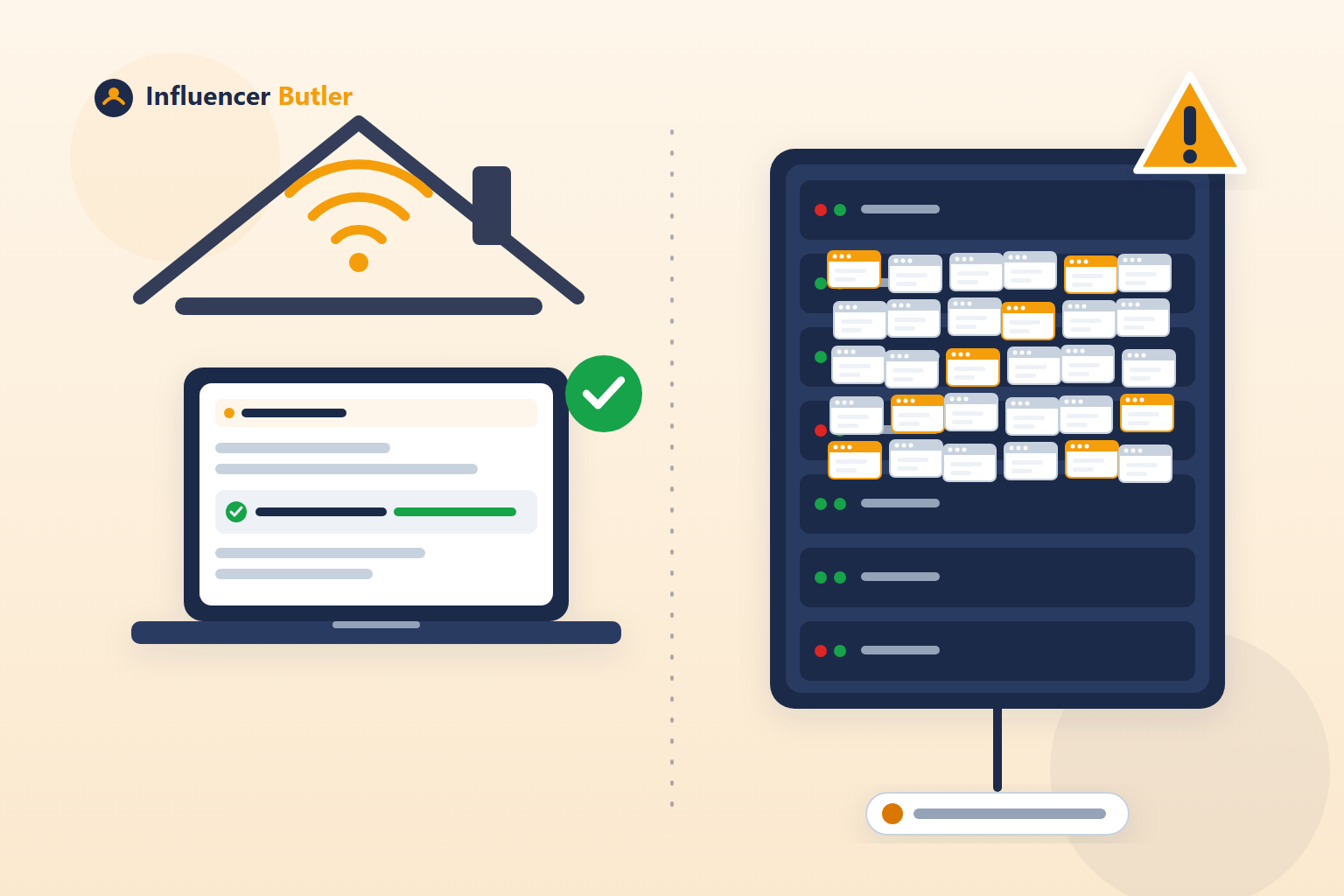
Cloud phones are suddenly everywhere in creator and reseller circles. If you have not run into the term yet, you will soon, because a lot of people are asking us about it. So here is the plain-English version: what a cloud phone actually is, what is genuinely better about it than the "just hand us your login" tools we have written about before, and the part that does not change no matter how the pitch is worded.
The short version up front: cloud is not the problem. Hidden is. A cloud tool you can see into, where you choose the proxy, you log in yourself, and you can check the connection, is a very different risk from one that asks for your password and will not say how it runs.
What a cloud phone actually is
A cloud phone is a virtual Android phone running on a company's server instead of on a physical device in your hand. You control it from your own computer, usually through a browser window or an app that shows you the phone's screen, and you tap and type on it the same way you would a real phone. Because it lives on a server, it keeps running when your own computer is off. Close your laptop, and the virtual phone just sits there, logged in, exactly where you left it.
That is the whole concept. It is not a trick or a loophole, it is a real computer, running a real (virtual) Android system, that happens to live somewhere else.
Why creators are interested
If you manage more than one social account, the appeal is obvious. A real phone can only be in one place, signed into one set of apps at a time, and juggling several accounts on one device means constant logging in and out, or carrying multiple physical phones around. A cloud phone gives each account its own separate device, so to speak, without buying a drawer full of handsets. It also means you are not tied to your own phone's battery, storage, or being physically present to keep something running. For scheduling, for managing several accounts, or for simply not wanting your personal phone to double as a business device, the pitch makes sense.
What is genuinely better about this than a "hand us your login" tool
We have written before about tools that ask for your login and run your account on a server you never see, with no real answer about whose IP address your activity leaves from. A cloud phone, done honestly, is a different animal, and it is worth saying clearly what is actually better about it:
- You typically choose or bring your own proxy per phone. A real cloud phone setup lets you assign a specific connection to that specific virtual device, instead of your account's traffic disappearing into a shared pool you cannot see or choose.
- You log in yourself. The virtual phone is a screen you are looking at and typing on, not a form where you hand over your password to a company and hope. You are the one entering your own credentials, same as on a real phone.
- You can see the setup. Because you are driving it directly, you can open the settings, check what is connected, and look at the proxy you assigned, instead of trusting a one-line promise that everything is handled.
That is a meaningfully more transparent model than a tool that just takes your login and gives you nothing to look at. It deserves to be said plainly instead of lumped in with the login-and-disappear tools from our earlier posts.
The risks that do not go away
Being more transparent than the worst version of cloud automation is not the same as being risk-free. A few things stay true no matter how good the cloud phone itself is.
The proxy still decides everything. A cloud phone is just the device. What actually determines whether a platform sees it as a normal person or a server is the connection it posts through, the same proxy question we have covered in detail before. A cheap or shared proxy attached to a cloud phone is the identical data center problem we wrote about in does your tool run while your computer is off, just wearing a newer-looking wrapper. Choosing your own proxy only helps if the proxy itself is actually good, actually exclusive to you, and actually what it claims to be. We go through exactly how to check that in is your private proxy really private.
A virtual phone can still look like a server to a platform. Even with a solid proxy, a device that exists only as software on someone else's rack has its own set of fingerprints, things like device details and whether the phone's reported location lines up with the proxy's location. Platforms look at signals like these, at a general level, when deciding whether an account looks ordinary. We are keeping this at that general level on purpose. The point is not a list of things to fake, it is that "virtual" and "invisible to a platform" are not the same claim, and nobody should assume a cloud phone is undetectable just because it looks real on your screen.
Running multiple accounts with automation is what platforms watch most closely, cloud or not. This is true whether the accounts live on cloud phones, real phones, or your own laptop. It can run into a platform's own rules regardless of where the automation happens to be hosted. We are not going to summarize any specific platform's multi-account or automation policy here, because those rules change and we would rather you read the real thing than a paraphrase that goes stale. Check the terms of service for whichever platform you are using directly on their own site before you decide how many accounts to run and how.
A lot of recommendations online are sponsored. If someone is telling you a specific cloud phone or proxy service is the one to use, that is often an affiliate relationship, and that is a normal, disclosed part of how a lot of creator content gets made. Normal does not mean automatically trustworthy. Before you act on a recommendation, it is worth asking the person making it what they have actually used, for how long, and on accounts that actually matter to them, not just what pays them the best rate.
A short checklist before you trust any cloud phone or cloud automation service
Whether it is a cloud phone, a cloud PC, or anything else that runs your account somewhere you cannot physically see, ask:
- Can I choose and see the proxy for each phone or account?
- Is that proxy exclusive to me, or shared with other customers?
- Do I log in myself, or do they ask for my password?
- Does the device's reported location match the proxy's location?
- What happens if the proxy disconnects? Does everything stop, or does it quietly fall back to the server's own address?
- Where is my login stored, and what does their privacy policy actually say? Look for named providers and a recent "last updated" date, not vague language about "secure servers."
A provider with a straight answer to all six is worth a look. A provider that gets vague on even one of them is telling you something.
The simplest safe option is still your own device, on your own connection
That last question on the checklist, what happens if the connection drops, is the one most people never think to ask until it has already gone wrong. It is also the one we built an actual answer to, because we got asked it enough times ourselves.
By default, Influencer Butler runs on your own computer, through your own home internet connection, with no cloud phone or proxy required at all. That is still the simplest safe option there is: nothing to vet, nothing to check, nothing that can silently fail over to a connection you did not choose.
If you do add a residential proxy, for a cloud PC setup, Settings has a Current connection row with a Re-check button, so you can see the actual address your activity is leaving from whenever you want. And a toggle called Stop everything if this proxy disconnects is on by default: if that connection ever drops, every butler halts and you get an email, instead of your traffic quietly switching to the server's own data center address without anyone noticing.
If you need something running around the clock, use infrastructure you control and can actually see into, not a black box you are trusting on faith. Our free cloud PC guide walks through exactly that, start to finish.
The takeaway
Cloud phones are not a scam and they are not magic. They are a real virtual device, running on someone else's server, and the honest ones let you see the connection, choose your own proxy, and log in yourself, which is a genuinely better model than a tool that just takes your password. What does not change is the proxy question, the platform's own rules on automation and multiple accounts, and the plain fact that "hosted somewhere you cannot see" always deserves a closer look before you put a real account on it. Ask the six questions above, read the platform's actual terms before you decide how to use multiple accounts, and when in doubt, remember that your own device on your own connection is still the option that needs the least trust in anyone else.
For the rest of this series: why proxy quality is the whole ballgame, what a "private" proxy provider might not be telling you, and the line even AI assistants draw around logged-in accounts.
Share this post
Tools and guides for this topic
Put this into practice with the tools and walkthroughs that match what you just read.
- Free courseFree Amazon Influencer courseA free step-by-step course from first storefront to first commissions.
- Free toolAll free creator toolsCalculators and generators for Amazon and social creators, no signup.
- Free extensionFree Chrome extensionMoney signals on the Amazon pages you already browse, free.
Let a butler handle the busywork.
Influencer Butler automates the repetitive parts of running your creator business, from accepting Creator Connections campaigns to catching price drops and keeping your outreach moving. Try it free for 14 days.
Start your free trial