Sales vs Commissionable Sales vs Commission on Walmart Creator
The three numbers on your Walmart Creator dashboard mean very different things. What each one counts, why commission is so much smaller than sales, and how Walmart Performance reads them into the app.
By The Influencer Butler Team · October 22, 2026 · 7 min read
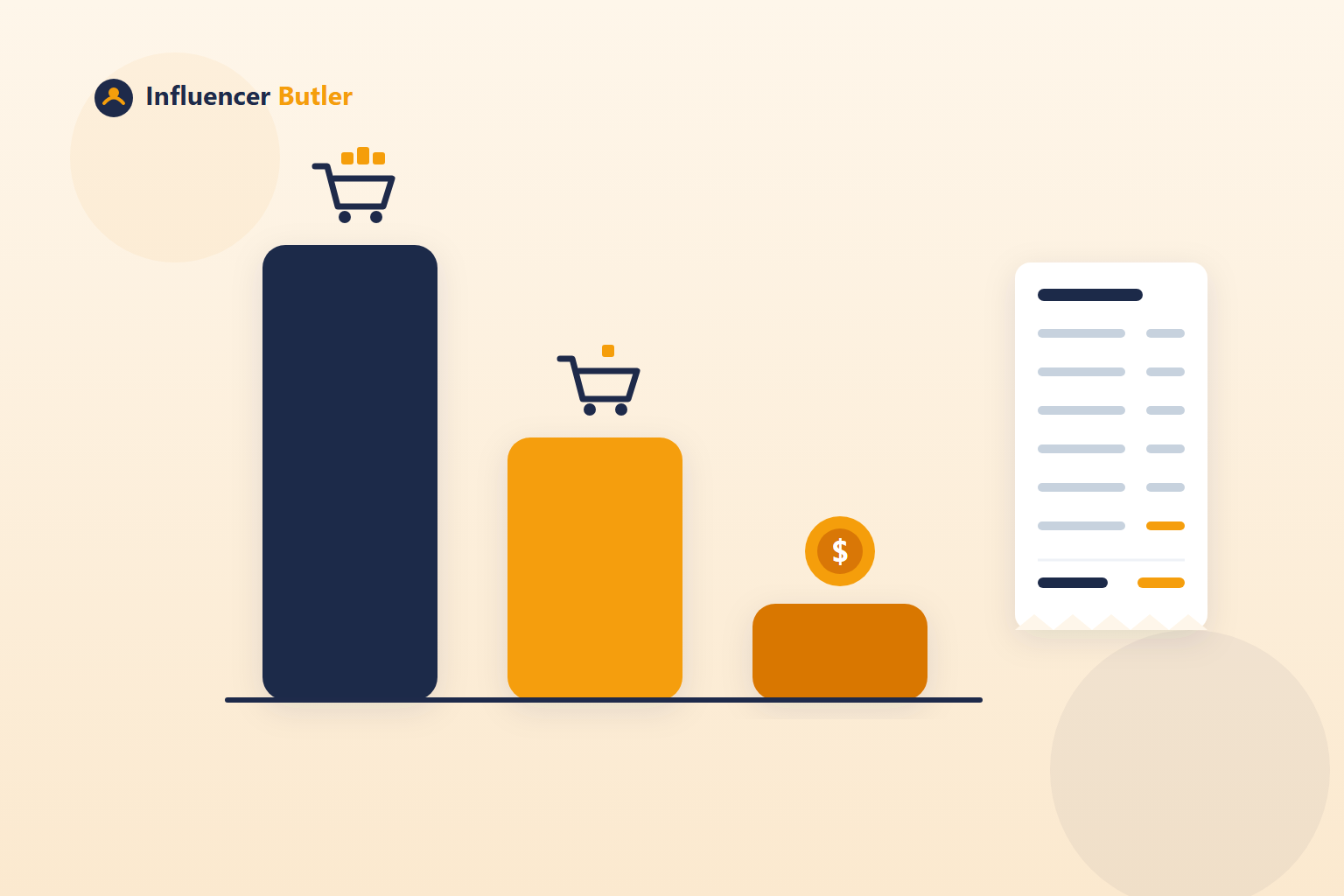
The first time you open your Walmart Creator numbers, one of them looks wonderful and one of them looks like a rounding error. Sales says a few thousand dollars. Commission says a few dozen. Both are correct, and the number in between, commissionable sales, is the one that explains the gap. Once you understand how the three relate, you also understand which products are worth featuring on Walmart and which ones are a perfect match that earns nothing.
Walmart Performance, part of Walmart Butler, reads these numbers from your Walmart Creator account into the Influencer Butler app so you can see them without opening the portal. The Walmart Performance tutorial covers the setup. This post is about reading what it shows you.
Sales: everything in the cart
Sales is the full value of every order Walmart credited to you, whole carts included.
That last part is the surprise. When someone buys a cat bed from your collection and adds paper towels and a case of water to the same order, the entire order counts toward Sales. It is a real number and a flattering one. It tells you how much shopping your links started. It does not tell you what you earned, because most of that cart might be in categories that pay nothing.
Commissionable sales: the part that can pay
Commissionable sales is the portion of those orders that falls in categories that pay a commission.
Grocery, pharmacy and household items pay 0% on Walmart. They are also the things people add to carts most, which is why commissionable sales is often much smaller than Sales. That cat bed order might be a $90 sale with $28 commissionable, because the cat bed was the only item in a paying category.
When you see a big gap between Sales and commissionable sales, it is not a bug. It is a map of what your audience adds to carts versus what Walmart pays you for.
Commission: what you keep
Commission is commissionable sales times each category's rate. Apparel and beauty pay the most. Pets and personal care pay only a few percent. So the $28 commissionable cat bed, in a low-rate category, might produce a commission of about a dollar.
Three numbers, three different questions:
- Sales answers "how much shopping did I start?"
- Commissionable sales answers "how much of that could pay me?"
- Commission answers "what did I actually earn?"
Only the last one goes in your bank account. The other two are diagnostics.
The table that tells you what to feature
Walmart Performance's Sales by item table lists every item Walmart credited to you, with its rate and the earned amount. This is the most useful view in the whole tool, because it turns the category rules into something concrete: here are the twenty things your audience bought, here is what each one paid you.
Sort it in your head by the earned column and the pattern is usually obvious. A handful of apparel or beauty items earn more than everything else combined. The grocery and household items you were excited to see in Sales earned nothing. That pattern should change what you build: lean your collections and deal posts toward the categories that pay, and stop treating a zero-rate match as a win.
Collection Builder shows the same thing before you build, in its Rate column, from the rate card under Walmart Butler Settings. Walmart Performance is the after. Together they close the loop.
Storefront versus affiliate links
Sales for the month are split into All, Storefront (collections, posts and your storefront link) and Affiliate links (the links in your deal posts). That split tells you which half of your Walmart effort is working.
If Storefront is carrying the numbers, your collections and reposted videos are doing the selling, and building more collections is the right next move. If Affiliate links are carrying it, your deal posts are converting on Walmart and tuning the Walmart Deals filters in Deals Butler is the lever. Most creators find one side is much stronger than the other, and the fix is to do more of that side, not to split effort evenly.
Walmart Performance also shows the category and platform split, your storefront's clicks, sales and commission per video and photo post, every collection with its item count and whether Walmart flags items in it as out of stock, and visits, orders and conversion for the last 7 and 30 days.
Reading it without opening the portal
Sign in to Walmart Creator once from Walmart Butler Settings. Then open Walmart Butler > Performance and click Read now. The read takes about a minute, and you can turn on Watch it run to see the browser move through the pages. Turn on Read every day to refresh in the background; it pauses with Pause all automations.
It is read-only. It never posts, edits or deletes anything on Walmart. If your Walmart session has expired, the read stops and shows a Sign in button. A page Walmart has changed is skipped rather than fatal, and every read is kept, so the last good numbers stay on screen.
What to do with the numbers
A simple weekly routine:
- Open Performance and look at commission first. That is the real number.
- Look at Sales by item and note which categories earned. Favor those in your next collections.
- Check the collections list for out-of-stock flags and clean them from Collection Builder.
- Check the Storefront versus Affiliate links split and put the week's effort on the stronger side.
Sales is the number that feels good. Commission is the number that is good. Walmart Performance puts both in front of you with the explanation in between, so the next thing you feature on Walmart is something that pays.
Share this post
Tools and guides for this topic
Put this into practice with the tools and walkthroughs that match what you just read.
Let a butler handle the busywork.
Influencer Butler automates the repetitive parts of running your creator business, from accepting Creator Connections campaigns to catching price drops and keeping your outreach moving. Try it free for 14 days.
Start your free trial