Even AI Assistants Draw This Line: Why Your Logged-In Accounts Belong on Your Own Connection
Claude can run in the cloud and keep working while your laptop is closed. But watch what happens the moment one of your logged-in accounts is involved. Here is the line Anthropic's own documentation draws, and why it is the same line Influencer Butler drew on day one.
By Liz Dean · October 21, 2026 · 7 min read
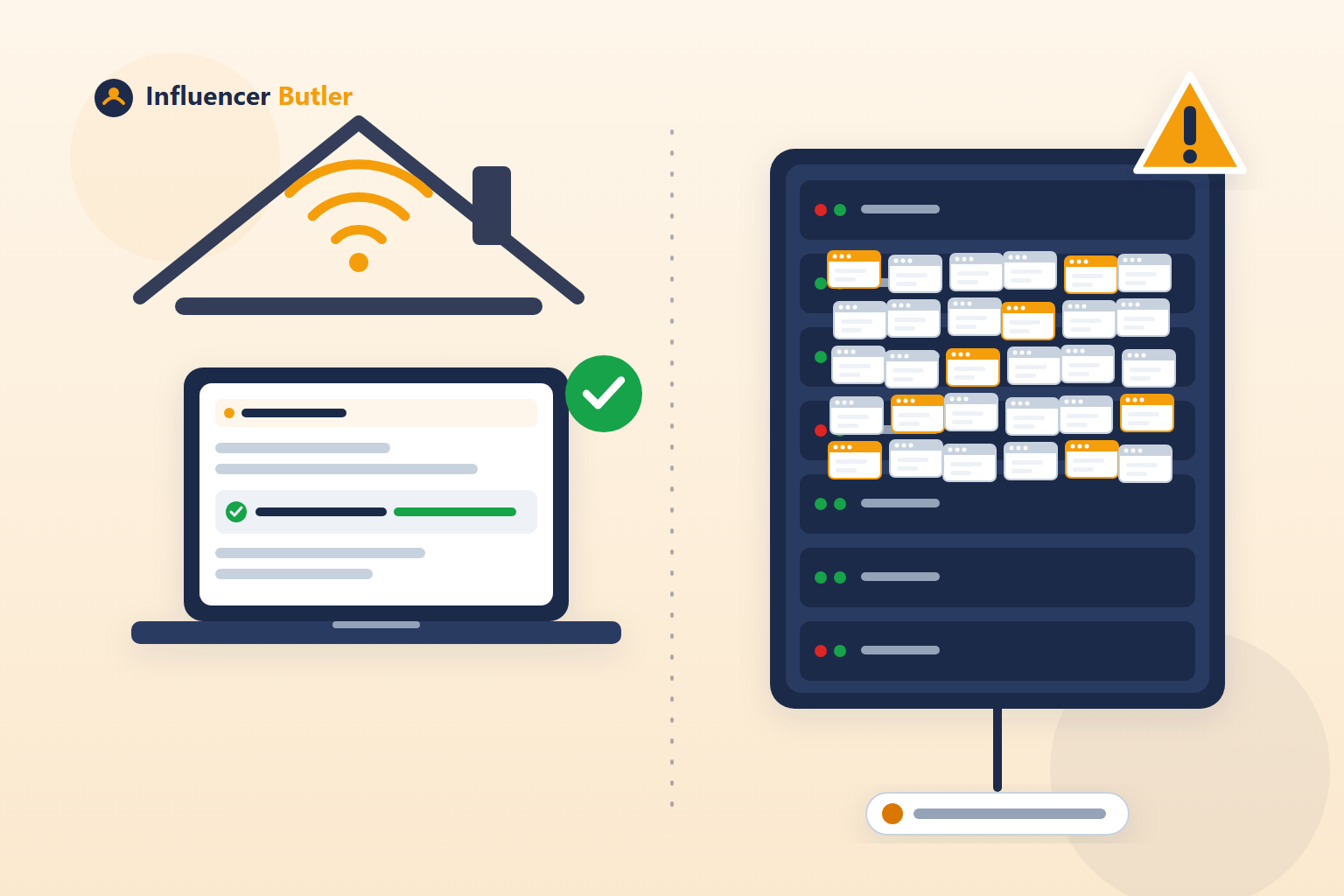
I use Claude for a fair amount of my own work on this site, so I have spent time reading how Anthropic actually built it, not just the marketing around it. Claude can run in the cloud now. You hand it a task, close your laptop, and it keeps going on what Anthropic calls "Anthropic-managed cloud infrastructure." That part is genuinely useful, and it is not really new, cloud computing has been around for two decades.
What caught my attention is what happens the moment one of your own logged-in accounts enters the picture. A company with Anthropic's engineering budget could, in theory, build a version of Claude that logs into your accounts from a data center and quietly acts as you, the same way some "cloud automation" tools in our own space do. They did not build that. Here is the line they drew instead, straight from their own documentation, and why it is the same line we drew for Influencer Butler on day one.
Three different jobs, three different answers
1. Reading the public web. When Claude looks something up online, that happens from Anthropic's own servers. No account of yours is involved, so there is nothing to protect, and it can run anywhere, anytime, whether your computer is open or not.
2. Your personal apps, through an official door. Connect Claude to Gmail, Google Calendar, or Google Drive, and you are sent to Google's own sign-in screen to approve exactly what you are granting, the same OAuth consent screen you would see connecting any other app to your Google account. Anthropic's own support article on Google Workspace connectors walks through this directly. Because Google built an official door for outside tools, Claude can walk through it from the cloud, any time, and your own laptop never has to be part of the conversation.
3. Everywhere else, it needs your own browser, on your own computer. For a site that has not built that official door, Claude does not fake being you from a data center. It uses Claude in Chrome, a browser extension that Anthropic's own support page describes as something that "allows Claude to read, click, and navigate websites alongside you," inside your actual Chrome browser. Or it uses computer use, which Anthropic's documentation says "runs on your actual desktop," taking screenshots and clicking the same way you would, on the machine sitting in front of you, not a machine in a data center somewhere. Either way, it is your session, your sign-in, your connection, and both only work while that computer is actually on.
Think of it like three different ways someone could help you at home. Reading a public web page is like someone reading the newspaper, nobody's house is involved. An official API is like a dog-walker you gave a key through a smart lockbox you set up and can revoke, a real arrangement both sides agreed to, built to work whether you are home or not. Acting on a logged-in account with no official API is like a friend using your own spare key to let themselves into your actual house. That one only makes sense while it is genuinely your house, your key, and ideally you nearby.
Even a company with Anthropic's resources did not build a version where Claude logs into your accounts from a data center and quietly pretends to be you. They built the official door where one exists, and your own machine where it does not.
The question this gives you
Next time any tool, ours included, offers to act on one of your logged-in accounts, ask it this:
- Is this running through an official API I approved, or a browser running my session on someone else's server?
- If it is an official API, who built it, and can I see what I actually granted? A real answer names the platform's own authorization screen, not just "secure servers."
- If there is no official API, whose computer is my login actually sitting on, and whose internet connection is my account's activity leaving from?
If the answer is the first category, cloud is fine. Someone on the other end agreed to that connection, built it, and put their name on it. If it is the third category, you want a real answer, not a reassurance. We wrote about why that category is a genuine ban risk, not just a privacy preference, in an earlier post, including five questions worth asking any tool before you hand it your Amazon login.
Where this leaves Amazon Creator Connections
As far as we know, and we have looked, Amazon has not published an official API that lets outside tools accept Creator Connections campaigns on a creator's behalf. If one exists, we have not found it, and we are not aware of any tool, including ours, that advertises using one. That puts Creator Connections squarely in the third category above: a real login, a real session, no official door. Which is exactly why the only honest way to automate it is through your own browser, on your own connection, not a server you cannot see.
How this works in Influencer Butler
We never built a version that holds your Amazon or social sign-ins on a server you cannot see. The desktop app and the Chrome extension run on your own computer, through your own internet connection, using your own logged-in sessions, the same category Claude's own documentation puts a site with no official API into.
You do not have to take our word for it. Settings has a Current connection row with a Re-check button, so you can see exactly what address your activity is leaving from, right now. And if you add a residential proxy for a cloud PC setup, a toggle called Stop everything if this proxy disconnects is on by default: if that connection ever drops, every butler halts and you get an email, instead of your traffic quietly failing over to a data center address without anyone noticing.
For the longer version of why we built it this way, including the eleven years and six figures that taught us the lesson, read why Influencer Butler is a desktop app, not a cloud app. If you are weighing a residential proxy for your own setup, here is what proxy providers do not tell you before you trust one with an account that matters.
The takeaway
You do not have to take a stranger's word for what "safe automation" actually means. You can read what a company with Anthropic's resources chose to build, in their own documentation, and notice the line they drew: an official door when one exists, your own device and your own connection when it does not. It is the same line we drew for Influencer Butler from the start, not because we copied anyone, but because once you have actually run automation at scale, it is the only line that holds up.
Influencer Butler is not affiliated with Anthropic. Claude is a product of Anthropic.
Share this post
Tools and guides for this topic
Put this into practice with the tools and walkthroughs that match what you just read.
Let a butler handle the busywork.
Influencer Butler automates the repetitive parts of running your creator business, from accepting Creator Connections campaigns to catching price drops and keeping your outreach moving. Try it free for 14 days.
Start your free trial