Cloud Automation Isn't New. It's Just Old Risk Wearing a New Name.
After eleven years and more than $100,000 spent on proxy infrastructure, here is the plain-English truth about "cloud automation": what a server actually is, why the proxy is the whole ballgame, the one-minute privacy policy check, and the five questions to ask before you hand any tool your Amazon login.
By Liz Dean · October 18, 2026 · 8 min read
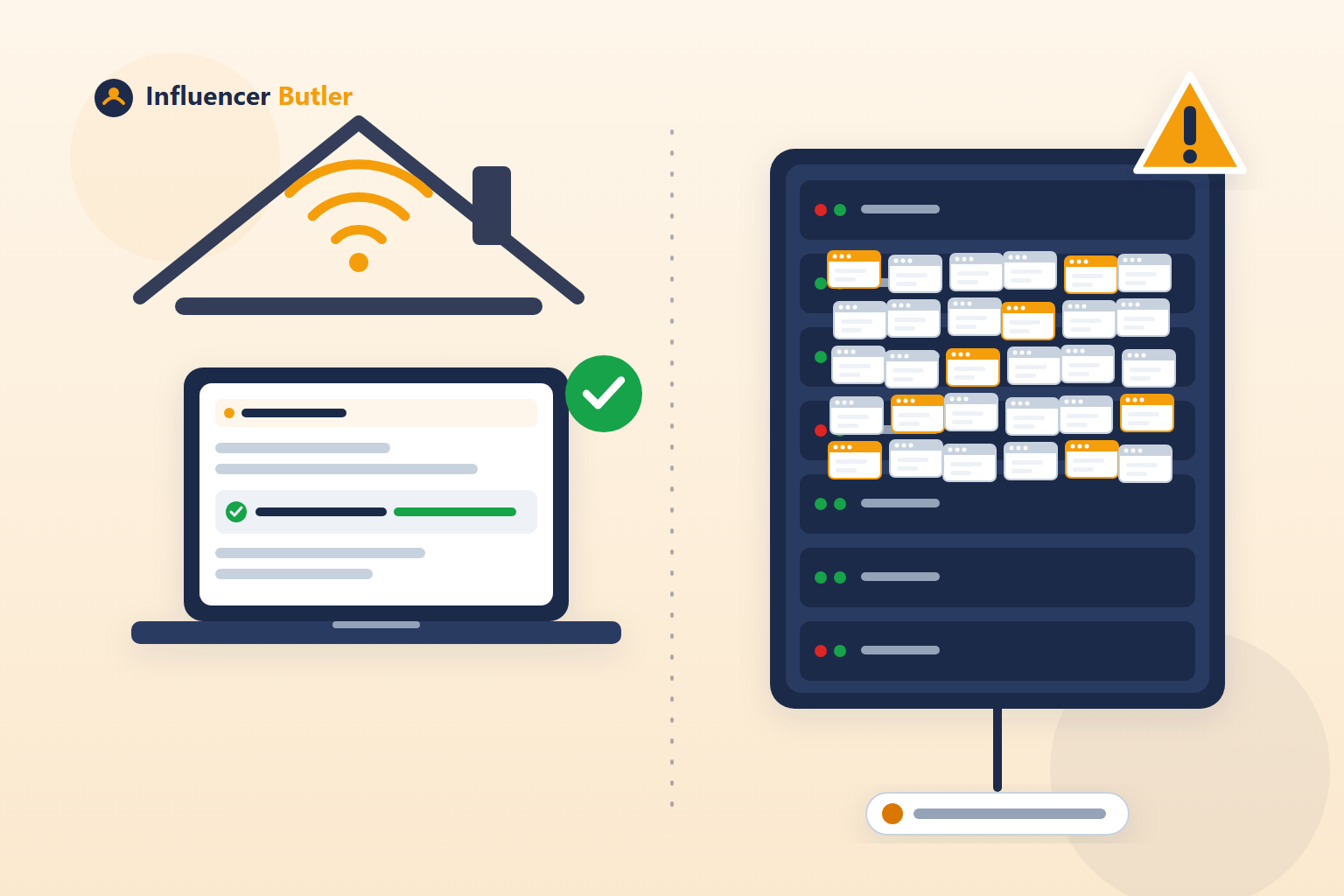
I've been building automation for creators and Amazon sellers since 2014. In that time I've personally spent more than $100,000 on proxy infrastructure, running "the computer does it for you" setups for real clients, at real scale. So when I see a company call running a browser on a server "groundbreaking," I want to save you some money and some heartbreak, because I already paid for this lesson so you don't have to.
First, the plain-English version of what we're actually talking about
A "server" or "cloud computer" is just a computer somewhere else that's always turned on. Instead of your laptop running the automation, someone else's computer does, sitting in a data center, awake 24/7.
That part genuinely isn't new. Amazon Web Services has been renting out exactly this since 2006. Cloud computing is two decades old. Calling it groundbreaking in 2026 is like calling email groundbreaking. It isn't the innovation. It's just where the automation happens to be standing.
Here's the part that actually matters: a proxy
When that remote computer connects to Amazon (or Instagram, or anywhere else) to act like it's you, it needs an IP address, basically a return address that says "this traffic came from here." There are a few kinds, and the difference between them is the entire ballgame:
- Datacenter IP. Think of it like mail coming from a known shipping warehouse instead of a person's house. Amazon, Instagram, and every major platform keep lists of these addresses, and traffic from them gets extra scrutiny before anything else even happens. It's the cheapest option, and it's cheap for a reason: everyone who's ever actually run automation at scale knows it's the first thing that gets flagged.
- Residential IP. This is a real address, tied to a real home internet connection, the kind an actual person uses to check email and watch Netflix. It looks like a normal customer because, somewhere, it is one. This is what anyone who's been doing this seriously for years actually uses, not because it's trendy, but because it's the only option that doesn't get you flagged by default.
- Mobile IP. Similar idea, but riding on a phone's cell connection instead of home wifi. Even more trusted on some platforms, and priced accordingly.
The part nobody in this space likes to admit out loud: even residential isn't a blank check
In all my years doing this, the rule I've held myself to, and the rule any experienced operator holds to, is no more than 5 accounts sharing a single residential IP. Not because it's a nice guideline. Because I watched what happens when you push past it: platforms notice multiple separate identities funneling through the same address, and the whole batch gets treated as suspicious together. One bad account can take down every account sharing its IP with it. I've seen it happen. It's expensive, and it's not reversible.
So when someone tells you their "cloud automation" is secure, safe, and groundbreaking, and doesn't tell you which of the above it's actually using, here's what that silence usually means in practice: either they don't know (which, for a company literally building this product, would be its own problem), or they do know and the honest answer isn't one they want to say out loud.
A real answer costs nothing to give. "We use dedicated residential IPs, capped at this many accounts per IP" is one sentence. Nobody avoids one sentence by accident.
One more thing you can check yourself, in under a minute: their privacy policy's date
Every legitimate company has a privacy policy and terms of service, usually linked in the website footer. Scroll to the top or bottom of each one and look for "Last Updated" or "Effective Date." That date tells you something real: it's when they last sat down and actually described what they do with your data.
Here's why that matters for "groundbreaking cloud" claims specifically. A privacy policy is supposed to describe, honestly, what a company collects, where it's stored, and who else touches it. If a company is actively building new cloud infrastructure, adding new servers, new integrations, new ways of handling your login, that policy should be getting updated right along with the product. A company that's been "pushing the boundaries of innovation" for years but hasn't touched its privacy policy in that same stretch of time is telling you something, whether it means to or not: either the product genuinely hasn't changed as much as the marketing suggests, or the paperwork isn't keeping up with the product. Neither one is reassuring when the product in question is holding your login.
While you're there, two more things worth a glance: does it name the actual companies it shares your data with (a real list, not just "trusted partners"), and does it ever mention a Data Processing Agreement? Those aren't legal jargon for its own sake, they're the basic, standard things any company serious about handling your data has in place and is willing to show you. Their absence doesn't prove anything by itself. But paired with vague marketing about "secure and managed" infrastructure and zero willingness to answer a direct question about it, it starts to paint a picture. How carefully a company writes down what they do with your data is usually a pretty honest preview of how carefully they built the thing doing it.
What to actually ask, before you hand any tool your Amazon login
- Is this running from my own connection, or theirs?
- If theirs, is it residential or datacenter? (If they don't know this distinction, that's an answer too.)
- If residential, how many other customers share that same IP?
- What happens to my login if their servers are ever compromised? Our answer: Influencer Butler never stores your Amazon password or your Amazon login session on our servers. Your sign-ins stay on your own computer. The one optional exception is a Creator API key you choose to save to your account through the Chrome extension, which is stored encrypted and which you can remove at any time.
- When did they last update their own privacy policy, and does it actually say what they do with your data on the groundbreaking cloud server?
If a company can answer all five clearly, that's worth something. If they can't, or they respond with a paragraph about innovation and fear instead of an actual answer, you already have your answer.
Why Influencer Butler runs on your computer
We built Influencer Butler to run on your own computer, through your own home connection, specifically so none of this is ever a question you have to ask us. You can see it for yourself, right in the desktop app and browser extension: the app shows the connection it's actually posting from in Settings, in a row called Current connection, and the extension runs inside your own Chrome, on your own connection, with nothing in between.
That's not marketing. After $100,000 and eleven years of learning this the hard way, it's just the only way I'd trust it myself.
A prediction, so it's on the record
Here's my bet. Sooner or later, after enough client accounts get flagged, every "groundbreaking cloud" tool in this space quietly adds a version that runs on your own computer, through your own connection. It'll be announced as a new feature. It won't be one. It'll be the thing we built on day one, for exactly the reason this post describes, and the only part of the story that will actually be new is what it took for them to get there.
When that happens, remember you read it here first. Old risk, finally called by its name.
If you want the butlers running around the clock on a machine that isn't your laptop, do it the way we'd do it: rent your own cloud PC and add your own residential proxy for your Facebook activity (the app sends only its Facebook features through that proxy today, so your other butlers use the cloud PC's own connection), one account per address, or simply keep the app running on your own laptop while you travel. And for the shorter version of all this, the one to send a friend who asks "what does 'works while your computer is off' actually mean," read this post from yesterday.
Share this post
Tools and guides for this topic
Put this into practice with the tools and walkthroughs that match what you just read.
Let a butler handle the busywork.
Influencer Butler automates the repetitive parts of running your creator business, from accepting Creator Connections campaigns to catching price drops and keeping your outreach moving. Try it free for 14 days.
Start your free trial