Post Your Walmart Collections to Facebook, No Affiliate Link Needed
Every collection you build in Collection Builder can go straight to your Facebook groups and pages through Deals Butler, with a product-photo cover and a caption, or into your Deals queue for later.
By The Influencer Butler Team · October 18, 2026 · 6 min read
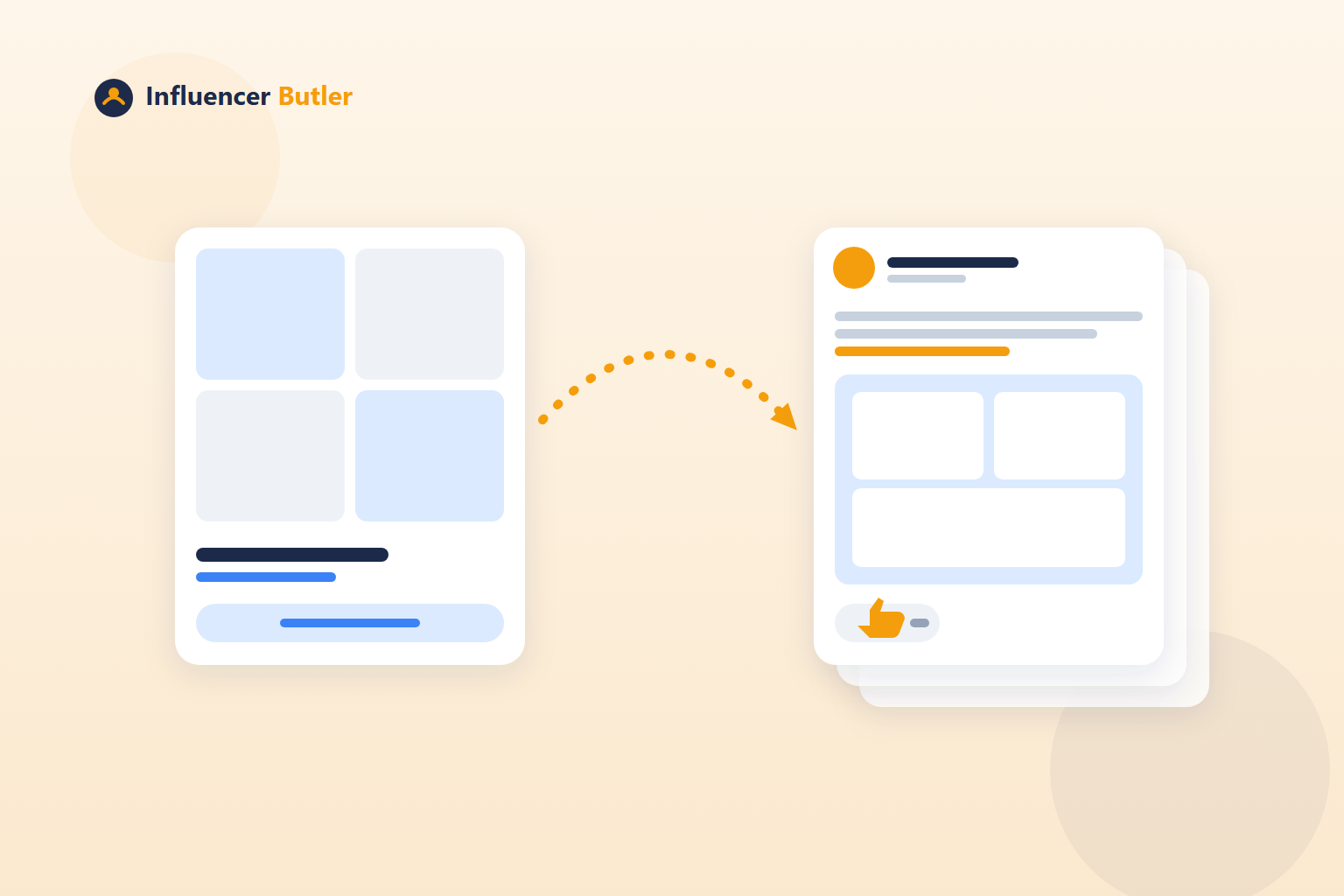
Building a Walmart collection is half the job. The other half is getting anyone to see it. Walmart Creator does not come with an audience, your Facebook groups do, and until recently the bridge between the two was you, copying a link, finding a photo, writing a caption, and posting by hand.
Collection Builder closes that gap. Every collection you build shows up in a Your Walmart collections card inside Walmart Butler, and from there you can post it to Facebook right now or add it to your Deals queue to go out on your usual schedule. The mechanics are in the Collection Builder tutorial. This post is about using it well.
The part that makes this easy: no affiliate link
Walmart counts sales from a collection link under your storefront. That means a collection link is already a sellable link. There is no affiliate link to generate, shorten, or keep track of. The post carries the collection link exactly as it is, and orders that come through it are credited to you.
If you built collections before this existed, click Find collection links and Collection Builder fetches their links so they can be shared the same way.
Two ways to share
Tick the collections you want in Your Walmart collections, then choose:
- Post to Facebook now. Posts each one right away through Deals Butler, to the Facebook destinations you have enabled there. Good for a fresh collection you want in front of people today.
- Add to Deals queue. Adds one post per collection to the Deals queue, so it goes out on your usual posting schedule, mixed in with your normal deal posts. Good for a batch of new collections you do not want to dump on a group all at once.
Both routes use the same Deals Butler destinations and the same scheduler, so if you already post deals to groups and pages, collections slot right in. If you do not post deals yet, the Deals Butler feature page is where to start, because the destinations live there.
What the post looks like
Each post carries:
- A cover made from the collection's product photos, or the first photo when there are too few to make a collage. You do not have to design anything.
- Your caption, with
{name}and{count}filled in for each collection. One caption template serves every collection, and it still reads specific. - The collection link, exactly as it is.
A caption template that works: a line about who the collection is for, the collection name, how many picks are in it, and the link. For example, "Everything I actually use in the kitchen, all on Walmart: {name}, {count} picks." Short, specific, and it tells the reader what they get before they tap.
A posting rhythm that does not annoy your groups
Facebook groups tolerate deals because deals are useful. A wall of "here is my new collection" posts is not useful, so pace them:
- Build your collections in a batch, using the bulk storefront mode if you have many lists.
- Post the one or two strongest to Facebook now, the ones whose products you know your group buys.
- Add the rest to the Deals queue so they trickle out between regular deal posts over the following week or two.
- When a collection is seasonal, post it now. When it is evergreen, let the queue handle it.
The queue is the trick. Your groups see a collection every few days, which feels like a recommendation, instead of ten in an hour, which feels like a catalog dump.
Keep what you post in stock
Nothing kills a collection post faster than a reader tapping through to three sold-out items. Two safeguards:
- Right before any collection is built, every chosen product gets a fresh stock check and out-of-stock items are left out.
- For collections that already exist, tick them in Your Walmart collections and click Remove out-of-stock items. Collection Builder uses Walmart's own cleanup option so the out-of-stock badge clears.
Walmart Performance shows which of your collections Walmart currently flags for out-of-stock items, so a quick check there before a posting batch tells you which ones to clean first.
Post the collections that pay
When you review a collection in Collection Builder, the Rate column shows the expected commission for each product's Walmart category, from the rate card under Walmart Butler Settings. Apparel and beauty pay the most, grocery and household pay nothing. A collection you post to a thousand people should be one where the rows actually earn. Check the rates when you build, and prioritize the high-rate collections when you choose what to post first.
Reading what happened
Walmart Performance reads your Walmart Creator numbers into the app: sales for the month split into storefront and affiliate links, commission earned, and every collection with its item count. Post a collection, give it a few days, and look at that collection's line. If it moves, post more like it. If it does not, the collection or the caption needs work, and both are quick to change.
Collections are the shelf space on your Walmart storefront. Posting them is how people find the shelf. With the cover, caption and link handled, and the queue pacing them out, the whole loop from "I have an Amazon list" to "my Facebook group is buying it on Walmart" is a few clicks and no copying.
Share this post
Tools and guides for this topic
Put this into practice with the tools and walkthroughs that match what you just read.
Let a butler handle the busywork.
Influencer Butler automates the repetitive parts of running your creator business, from accepting Creator Connections campaigns to catching price drops and keeping your outreach moving. Try it free for 14 days.
Start your free trial