Grow Your Email List With a Free Download From Your Bio Link
Foyer Butler's Digital Products card lets you give away an ebook, template or preset from your link-in-bio page in exchange for an email, with instant delivery and a resend link built in.
By The Influencer Butler Team · October 19, 2026 · 6 min read
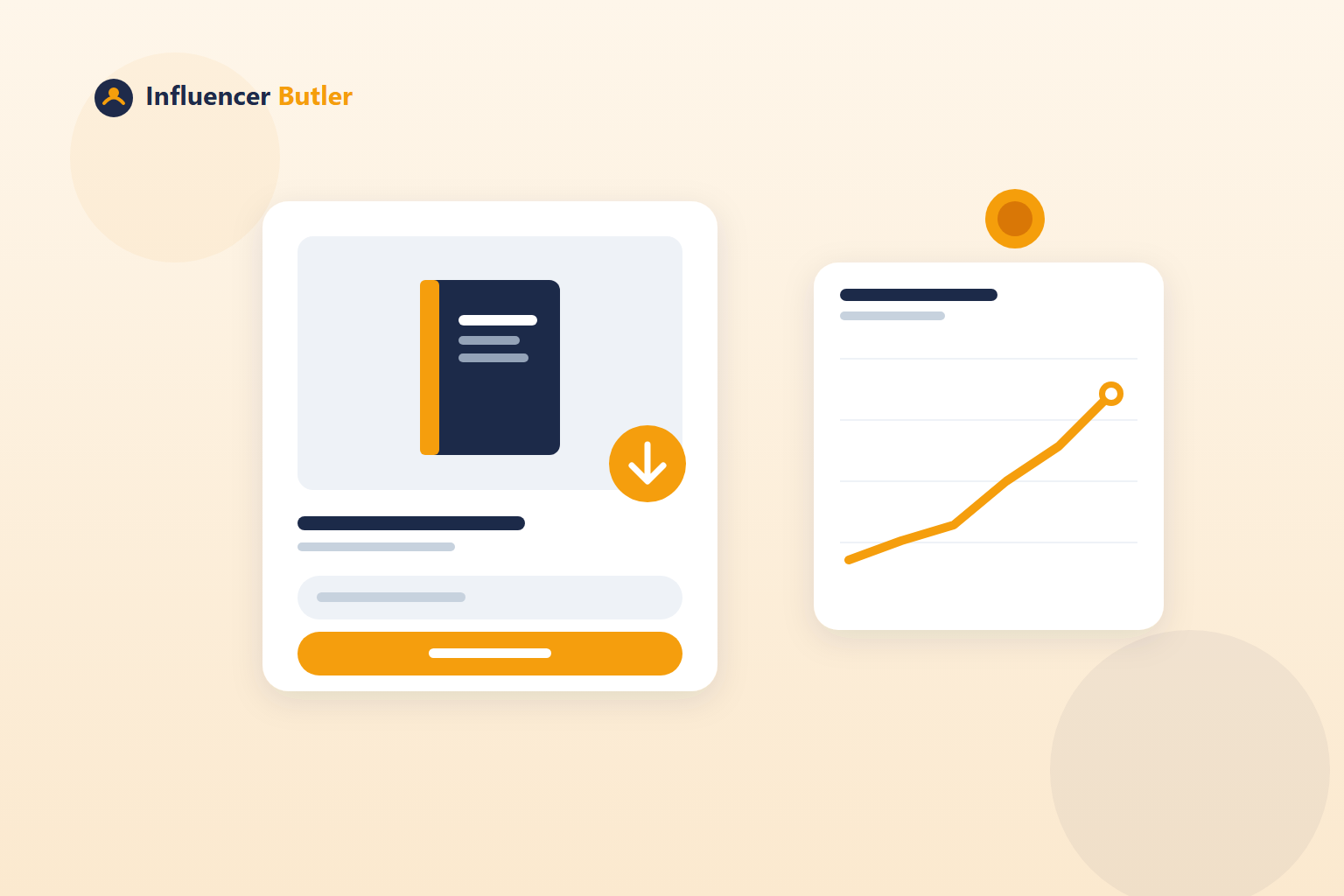
"Join my list" is a weak ask. Nobody wakes up wanting more email. "Grab my free holiday gift guide" is a strong ask, because the reader gets something right now and the email is just how it gets delivered. Creators have known this for years. The reason most do not do it is that it usually takes a separate tool, a checkout page, a file host and a way to resend the download when someone loses it.
Foyer Butler folds all of that into your link-in-bio page with the Digital Products card. Set a title, upload a file, price it at $0, click Add to page, and you have a freebie tile that trades a download for an email. The Foyer Butler tutorial has the clicks. This post is about what to give away and how the flow works for the person on the other end.
How the free download works
From the shopper's side:
- They tap the product tile on your page.
- They enter their email.
- They get an instant download link.
If they lose it, the download page has a "resend my access link" option, so you are not fielding "can you send it again" messages. On your side, the sign-up lands in Your subscribers like any other, where you can tag it so you know who came in through the freebie.
Free ($0) products work end to end today. Checkout for priced products is coming; until it ships, a priced product shows as "Coming soon" on your page instead of a broken buy button, so you can set up a paid product in advance without exposing a dead link.
Why this beats a plain sign-up form
Foyer Butler also has a regular Email capture form, and you should keep it on. But the form converts people who already wanted to hear from you. A free download converts people who wanted the thing.
The two work together. The form sits at the top or bottom of the page for the already-convinced. The download tile sits in the grid with your products for everyone else, and it looks like a product because it is one. Both feed the same list, and both subscribers get the same deals newsletter afterward.
A note on consent: Foyer Butler's regular sign-ups get a confirmation email and only land on your list once they click it. That protects your list quality. The download flow gives the person something they asked for and adds them to your subscribers, and every email you send later carries an unsubscribe link, so anyone who only wanted the file can leave cleanly.
What to give away
The best freebie is a smaller version of what you already make. Some that fit creators in this world:
- A product guide. "My 12 kitchen essentials, with the exact ones I own" as a one-page PDF. It mirrors an idea list, but it is downloadable and shareable.
- A seasonal checklist. Gift guides by budget, a back-to-school list, a camping packing list. Anything with a deadline makes people act now.
- A template or preset. Caption templates, a content calendar sheet, a photo preset. If your audience includes other creators, this is the strongest pull.
- A comparison sheet. "Three air fryers I tested, side by side." It positions you as the person who did the work.
Keep it short. A freebie that takes an hour to make and five minutes to read will outperform a 40-page ebook that never gets finished, by you or by them.
Where to put it on the page
The tile goes wherever you add it, and you can move it with the arrows like any other. Two placements work:
- Near the top, under your bio, if the freebie is your main ask right now. Pair it with an announcement banner that says what it is.
- As the first tile in a themed section, with a heading above it, if it supports a group of products. The gift guide PDF above the gift products, for instance.
Use the Intro and links block for one bold line that points at it, and put the same freebie in your captions as the reason to tap the bio link. The page is the destination; the captions are what send people there.
Measure it
The Analytics tab on your Foyer page shows net subscribers against the period before, a view-to-tap-to-subscriber funnel, and your top tiles. Focus the view on the download tile and you can see exactly how many taps it took to earn each subscriber. If the tile gets taps and few sign-ups, the title is promising something people do not want badly enough to type an email for. If it gets few taps, nobody knows it is there. Different fix for each, both visible in the numbers.
Once the subscribers are in, the newsletter does the rest: it builds itself from your live deals and sends on the schedule you set. A freebie is how you fill the room. The deals email is how the room pays for itself. Together they turn the link in your bio into an asset you own, on a page that is free to keep on any plan (sending newsletters needs Pro after the trial; see pricing).
Share this post
Tools and guides for this topic
Put this into practice with the tools and walkthroughs that match what you just read.
- Free courseFree Amazon Influencer courseA free step-by-step course from first storefront to first commissions.
- Free toolAll free creator toolsCalculators and generators for Amazon and social creators, no signup.
- Free extensionFree Chrome extensionMoney signals on the Amazon pages you already browse, free.
Let a butler handle the busywork.
Influencer Butler automates the repetitive parts of running your creator business, from accepting Creator Connections campaigns to catching price drops and keeping your outreach moving. Try it free for 14 days.
Start your free trial