Growth
ChatGPT vs the OpenAI API: Why Your AI Butlers Need a Key (Not a Subscription)
A ChatGPT Plus subscription will not power Influencer Butler's AI features. Here is the plain-English difference between ChatGPT and the OpenAI API, and how to get the API key the app actually needs.
By The Influencer Butler Team · July 30, 2026 · 7 min read
"I already pay for ChatGPT every month. Why is Influencer Butler asking me for some key?"
If that thought has crossed your mind, you are in very good company. It is the single most common snag people hit when they turn on the AI butlers, and it comes down to one honest misunderstanding: ChatGPT and the OpenAI API are two different products. Paying for one does not give you the other.
The good news is that once you see the difference, setting things up takes about three minutes and usually costs pennies. Let's clear it up.
The one distinction that fixes everything
OpenAI sells two separate things:
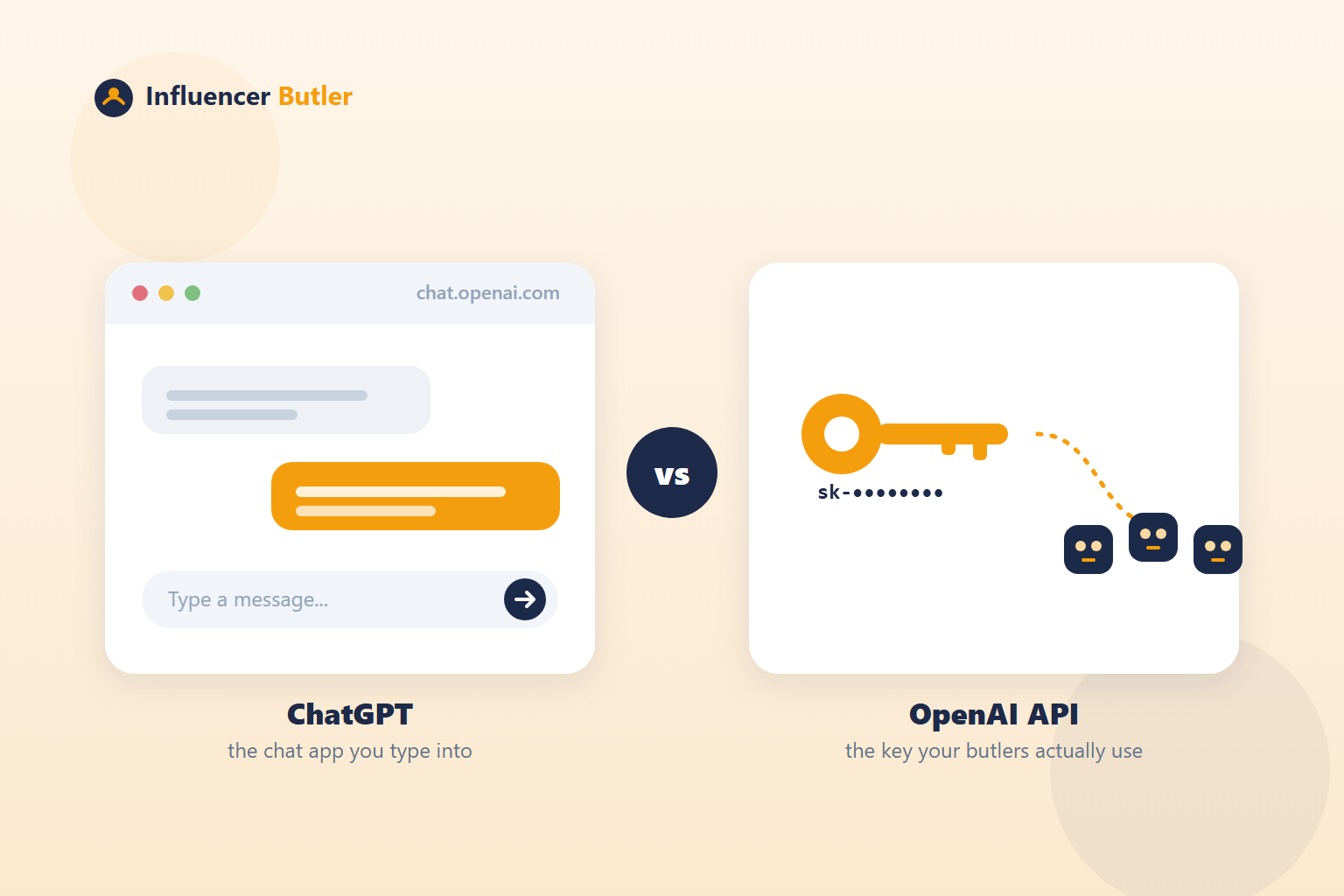
- ChatGPT is the chat app you open in your browser at chat.openai.com. You type into a box, it types back. "ChatGPT Plus" is a monthly subscription that makes that chat window better: faster models, more usage, image tools. It is designed for a human sitting there typing.
- The OpenAI API is a service for apps, living at platform.openai.com. Instead of a chat window, it gives you an API key: a long secret that starts with
sk-. That key is what lets another program (like Influencer Butler) ask OpenAI to write or generate something on your behalf, automatically, without you typing anything.
Think of it this way. ChatGPT Plus is a gym membership for you to work out. The OpenAI API is hiring a personal trainer who works out on your schedule while you do other things. Different product, different bill, different sign-up.
Influencer Butler needs the trainer, not the gym membership.
Why the app needs the API and not the chat window
Every AI feature in Influencer Butler runs in the background, on its own, while you get on with your day:
- The AI Keyword Generator fills a whole year of seasonal product keywords.
- Voiceover Butler writes compliant scripts for your Amazon videos.
- Benable Butler and Comment Butler research products and write collections and comments.
- Facebook Group Builder writes your group's posts and even generates the cover image.
- Your deal posts get captions drafted for you.
None of that involves you sitting at a chat window copy-pasting. The butlers talk to OpenAI directly and quietly, which is exactly what the API is for and exactly what ChatGPT the chat app cannot do. That direct connection requires an API key. There is no way around it, because there is no "log in with my ChatGPT account" option for a background app. It uses a key or it does nothing.
But I pay for ChatGPT Plus. Doesn't that count?
No, and this trips up almost everyone, so it is worth being blunt: a ChatGPT Plus subscription does not include API access, does not give you an API key, and does not pay your API bill. They are billed on completely separate meters.
You can absolutely keep your ChatGPT Plus subscription if you love it. You just also need to set up the API side, which is a separate, pay-as-you-go account. Many creators who set up the API end up realizing they do not even need Plus anymore.
How much does the API actually cost?
This is the part that pleasantly surprises people. The API is pay-as-you-go: you are billed only for what you actually generate, measured in tiny fractions of a cent per request. For the way most creators use these butlers (a batch of keywords here, some captions there, the occasional cover image), it typically adds up to a few cents to a couple of dollars a month, not a fixed subscription.
You are always in control. You add a small amount of credit up front, and you can set spending limits on your OpenAI dashboard so it can never run past what you are comfortable with.
Getting your key: the short version
Here is the whole flow. For a screen-by-screen walkthrough, follow our help article: Set up the OpenAI API (it is not ChatGPT).
- Create an API account. Go to platform.openai.com and sign up (your existing ChatGPT login works to sign in, but you will land in the separate developer area).
- Add billing. This is the step people skip. Open Settings > Billing, add a payment method, and add a small starting credit. Without this, a valid key still fails with an
insufficient_quotaerror. - Create the key. Go to platform.openai.com/api-keys, click Create new secret key, and copy the
sk-...value right away. OpenAI shows it only once. Treat it like a password. - Paste it into Influencer Butler. Open API Integrations, drop the key into the OpenAI field, and click Test Connection. When the badge turns green, every AI butler can use it. You do not enter it again per feature.
The free Chrome extension has the same panel (the gear icon in its popup). There your key stays encrypted on your own device and is only ever sent to OpenAI, never to our servers.
Quick FAQ
Do I need ChatGPT Plus at all to use the AI butlers? No. You only need an OpenAI API key with a little billing credit. Plus is optional and unrelated.
Is my API key safe in the app? Your key is stored encrypted and is only sent to OpenAI's own API. In the Chrome extension it never leaves your device. Anywhere else, treat it like a password and do not share it.
My key tested green but generation fails. That is almost always a billing or quota issue rather than a bad key. Check the Billing tab on your OpenAI dashboard and confirm you have credit.
I lost my key. You cannot view an existing key again, but you can create a new one in seconds at platform.openai.com/api-keys, then paste and re-test.
The takeaway
ChatGPT is the chat app you talk to. The OpenAI API is the key that lets your butlers work while you do not. They are separate products with separate bills, and Influencer Butler needs the second one. Set it up once, and every AI feature in the app just works, usually for pocket change.
Ready? Start here: Set up the OpenAI API (it is not ChatGPT), then connect it on the API Integrations panel.
Share this post
Let a butler handle the busywork.
Influencer Butler automates the repetitive parts of running your creator business, from accepting Creator Connections campaigns to catching price drops and keeping your outreach moving. Try it free for 14 days.
Start your free trial