TikTok Engagement Butlers, Explained: Paced Liking, Following, and Commenting on Real Accounts
Like Butler, Follow Butler, and Comment Butler are three separate Beta workspaces that engage with TikTok accounts you choose, on a pace you set. Here is how the shared settings work, what the defaults actually mean, and a realistic one-week example with Comment Butler running on Careful speed.
By Liz Dean · November 11, 2026 · 7 min read
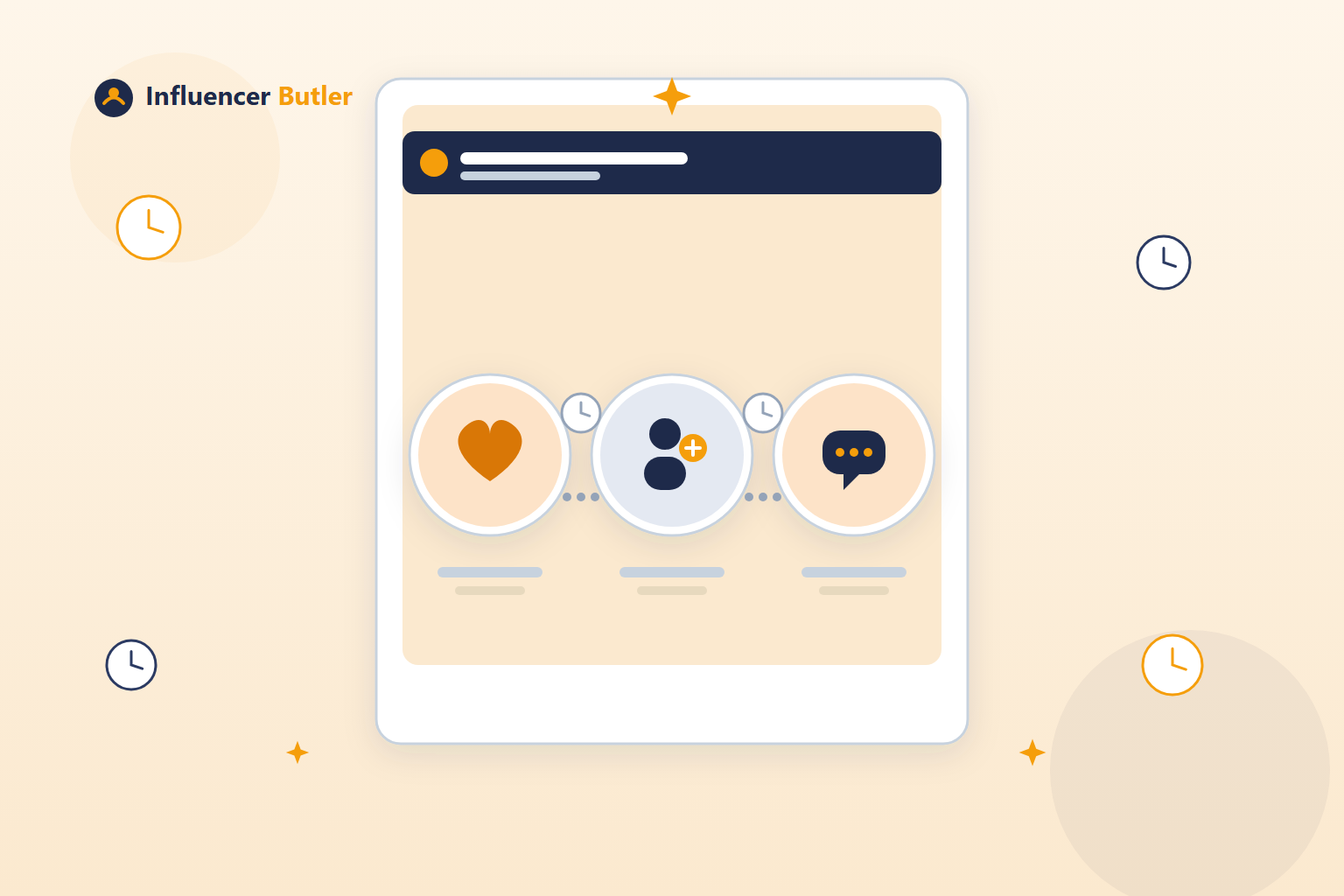
Most TikTok growth advice is about posting more. Less of it is about the other half of the algorithm: who you show up for. Liking, following, and commenting on the accounts that actually matter to your niche is one of the oldest ways to get noticed on any platform, and it still works, if you do it consistently and without burning out your thumb. That is the job of the three TikTok engagement Butlers: Like Butler, Follow Butler, and Comment Butler.
This whole TikTok suite is tagged Beta in the app, tucked under its own "TikTok Butler" section in the left nav. This is the first post in a five-part series walking through it. We are starting here because the engagement trio is the most foundational piece: everything else in the suite assumes you already understand how these three work.
Why engage at all
The use case is simple and a little unglamorous: if you want visibility in a specific niche, posting into a void is not enough. The accounts whose audience overlaps with yours, the ones a few steps bigger than you, the ones covering the same topic, those are the accounts worth genuinely showing up for. A like from a real, consistent presence gets noticed. A thoughtful comment gets noticed more. A follow from an account that has already liked and commented a few times reads as exactly what it is: someone who pays attention.
None of this replaces posting your own content. It is the other lever, the one that works while you are doing everything else.
Three tools, not one
It would be easy to assume this is a single "engagement" feature with a few checkboxes. It is not. Like Butler, Follow Butler, and Comment Butler are three separate workspaces, each one runs on its own, with its own account list, its own pace, and its own schedule. You can turn on just one of them, run all three at once, or mix and match depending on the account.
That separation matters in practice. Maybe you want to comment on ten accounts in your niche but only follow the two or three you genuinely want to build a relationship with. Maybe you want Like Butler running broadly across thirty accounts while Comment Butler stays narrow and deliberate on five. Because they are independent tools, you set that up exactly, instead of one blunt setting applying everywhere.
Adding the accounts that matter to you
Each Butler works the same way at the start: you add TikTok accounts by username or by pasting a profile URL. There is no discovery or suggestion engine doing this for you, which is the point. You are telling the app exactly whose content matters to your niche, the accounts you have already identified by hand, and the Butler engages with those accounts and nothing else.
The settings shape, and what the defaults really mean
All three Butlers share the same shape of settings underneath their different jobs:
- Max actions per run, defaulting to 10.
- Delay between actions, defaulting to 8 seconds.
- Recent posts per account to consider, defaulting to 30, so the Butler is choosing from an account's actual recent activity rather than reaching back years into their history.
- Speed presets: Fast, Normal, or Careful.
- A scheduler: a start time, plus a repeat-every-N-minutes interval.
It is worth sitting with what the defaults actually produce, because the numbers sound small until you do the math. An 8-second delay between actions and a 10-per-run cap means a single run takes a little over a minute and touches ten accounts, not a hundred. That is a conservative pace by design, not an aggressive one. Nothing about the defaults is built to maximize volume; they are built to look like a person who checks in periodically and engages with a handful of accounts each time, which is exactly what a real, careful user looks like.
Fast, Normal, Careful: trading speed for safety
The three speed presets exist because not every account should run at the same pace. Fast gets through your account list quicker, at the cost of looking more automated. Careful stretches things out, fewer actions, more time between them, which is the safer choice for an account you cannot afford to put at risk, or for Comment Butler specifically, where the action is more visible and more public than a like.
There is no universal right answer here. A newer or more cautious account probably belongs on Careful. An account with a longer history and more established activity has more room to run Normal or Fast. The presets are the dial, and which setting is right depends on what you are willing to risk with that particular account.
A realistic example: five accounts, Comment Butler, once a day
Say you run a skincare page and you want to build real visibility with five accounts you have identified as central to your niche: a couple of bigger creators you admire, a couple of peers at your own size, and one smaller account doing interesting things worth encouraging. You add all five by username to Comment Butler, set the speed to Careful, and schedule it to run once a day at a fixed start time.
Over a week, that produces seven runs. At Careful speed with the default 10-actions-per-run cap, each run comments on a handful of recent posts across those five accounts rather than blasting all of them every single time, since the Butler is pulling from each account's most recent posts (the default considers the last 30) and pacing itself with real gaps between comments. By the end of the week you have a steady trail of genuine-looking comments spread across seven days, not a single burst that shows up all at once and then goes quiet. That slow, repeated presence is the entire point: it reads as a real person who checks back on these five accounts regularly, because that is functionally what is happening.
Run them together or run them alone
Nothing stops you from pointing Like Butler, Follow Butler, and Comment Butler at the same five accounts if that is the relationship you want to build, liking their posts, commenting thoughtfully, and eventually following once you have shown up a few times. Or you can keep them separate: Like Butler cast wider across twenty accounts for general visibility, Comment Butler kept narrow on the five that matter most. Because each Butler is its own workspace with its own list and its own pace, the combination is entirely up to you.
Be honest about the tradeoffs
Engagement automation on any platform, not just TikTok, carries account-safety tradeoffs worth taking seriously. Automated liking, following, and commenting are exactly the kind of activity that platforms watch for, and no setting makes that risk zero. That is presumably why the defaults here lean conservative: an 8-second delay and a 10-action cap are not aggressive numbers, and Careful speed exists specifically for the accounts you care most about protecting.
That is also why this whole suite carries the Beta label. It is a genuinely useful tool for building presence in a niche the slow, authentic way, but it is new, it is still being refined, and you should treat the defaults as a sensible starting point rather than a ceiling to push past immediately. Start narrow, start on Careful, and watch how your handful of accounts respond before you widen the account list or push the pace up.
Next in this series: a closer look at the rest of the TikTok Butler suite.
Share this post
Tools and guides for this topic
Put this into practice with the tools and walkthroughs that match what you just read.
Let a butler handle the busywork.
Influencer Butler automates the repetitive parts of running your creator business, from accepting Creator Connections campaigns to catching price drops and keeping your outreach moving. Try it free for 14 days.
Start your free trial