Growth
Turn Your Amazon Storefront Into a YouTube Channel Without Re-Editing
Every shoppable video on your Amazon storefront could be earning on YouTube too. YouTube Butler uploads them for you as videos or Shorts, with affiliate links and thumbnails, on a daily schedule.
By The Influencer Butler Team · September 26, 2026 · 7 min read
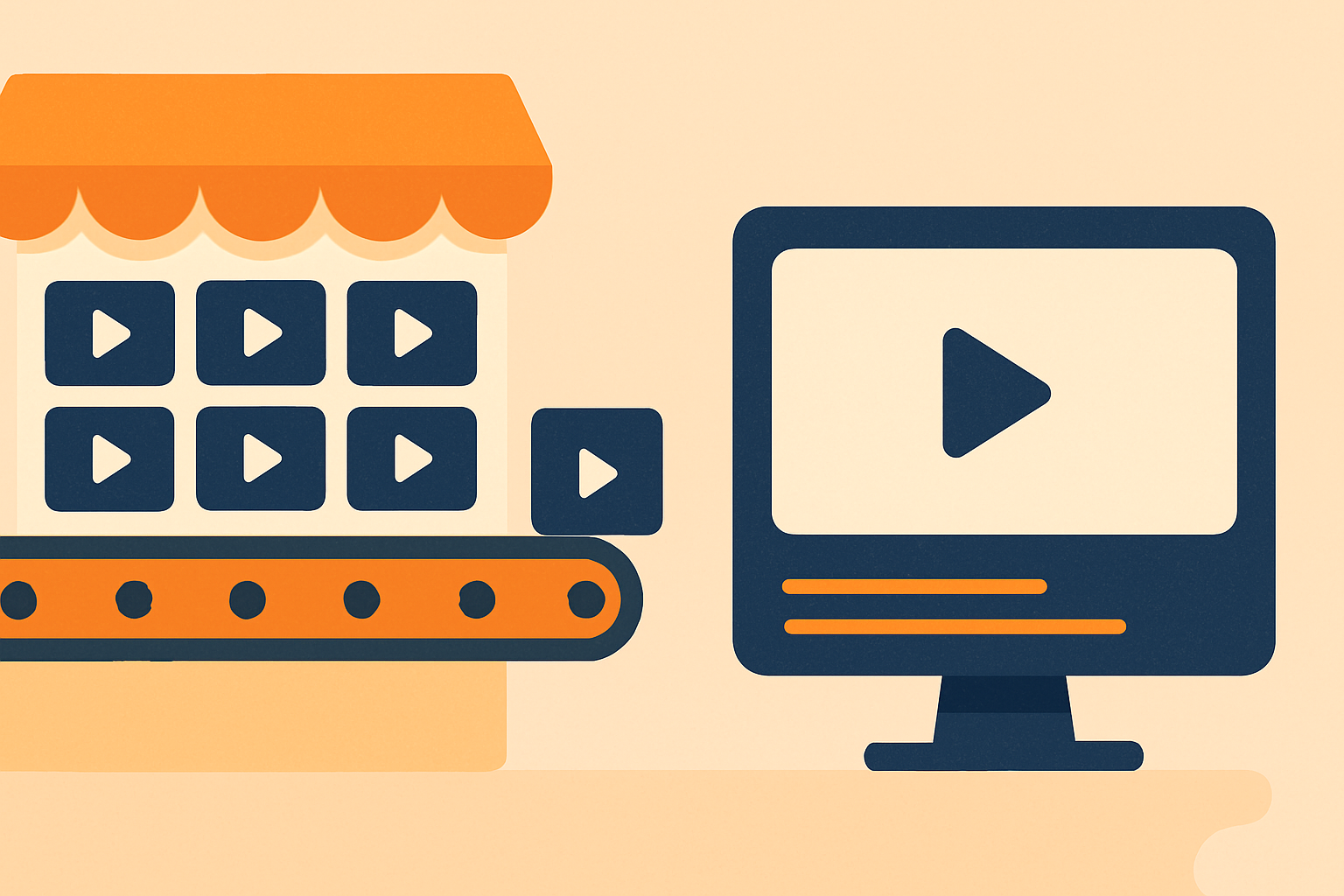
You already have a library of shoppable videos sitting on your Amazon storefront. On YouTube, that same library could be pulling in a whole second audience, one that searches for products and watches reviews all day. The reason most creators never do it is obvious: re-uploading hundreds or thousands of videos by hand is a job nobody wants. YouTube Butler, a Pro feature, does that job for you.
What it actually does
YouTube Butler takes the videos from your Amazon storefront (kept synced by the free Storefront Butler) and uploads them to your YouTube channel. It is not a re-editing tool and it does not ask you to touch each clip. You pick which videos to send, and it handles the rest:
- Videos or Shorts, sorted automatically. It detects which clips are vertical or square and about three minutes or under, uploads those as Shorts, and posts the rest as regular landscape videos. You can also tell it to avoid Shorts entirely.
- Titles, descriptions, and tags written for you. Use simple templates with fields like the product title and price, or let it write them with AI. Either way you are not typing metadata a thousand times.
- Affiliate links placed correctly. Your Amazon affiliate links go in the description, or in a pinned comment. The pinned comment option is there for a reason: newer channels sometimes have description links suppressed, and a pinned comment sidesteps that.
- A thumbnail on every upload. From a captured frame or generated with AI.
There is also an optional product QR code you can overlay before uploading, and localization if you want translated captions or an AI dub for other audiences.
It runs itself, at a pace YouTube is comfortable with
Turn on the daily schedule and YouTube Butler uploads a batch a day. Even a four-thousand-video storefront will upload itself over time, with a status readout showing how far along it is, like "212 of 4,000."
It respects YouTube's limits so your channel stays healthy. There is a max-uploads-per-day cap (25 by default, and new channels sensibly start lower, around 10, with an ease-in). If YouTube signals the daily cap mid-run, the remaining videos simply wait in the queue for tomorrow, and a video interrupted by a crash requeues itself.
Getting started
The first-time setup is a short wizard: confirm your Amazon affiliate tag, paste your channel URL, sign in to YouTube in the browser, choose where your links go (description or pinned comment), and run a test upload that posts one throwaway video and deletes it so you can see the result before committing. After that, tick the videos you want, set your templates, and press upload.
Your Amazon catalog took real work to build. YouTube Butler makes it show up somewhere new, on autopilot, so the videos you already filmed start earning from a second audience.
Share this post
Let a butler handle the busywork.
Influencer Butler automates the repetitive parts of running your creator business, from accepting Creator Connections campaigns to catching price drops and keeping your outreach moving. Try it free for 14 days.
Start your free trial