Amazon
Simple Product Shots That Make Your Amazon Content Pop
You do not need a studio. Easy lighting and framing tricks for product shots that look pro on Amazon and social.
By The Influencer Butler Team · July 29, 2026 · 7 min read
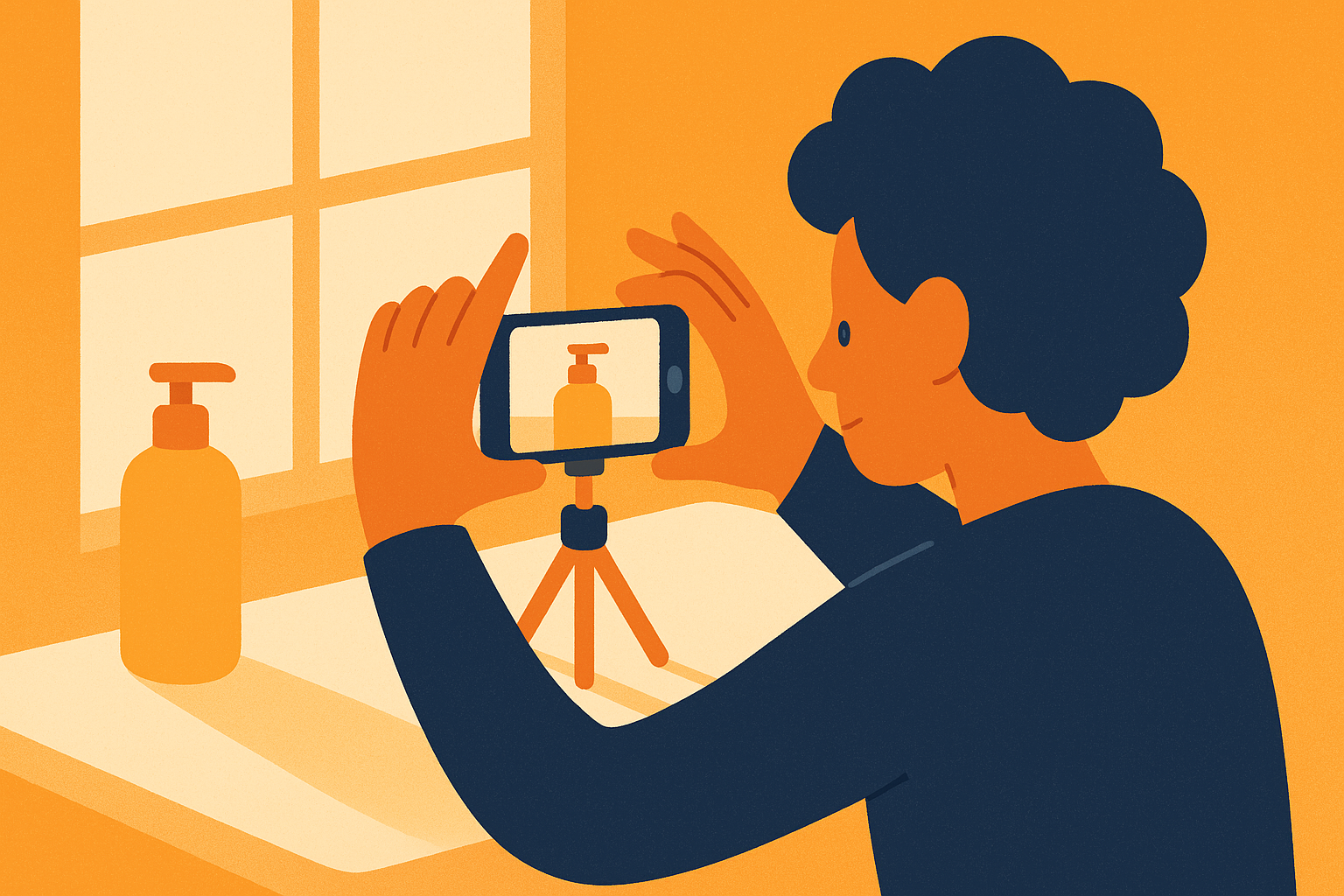
There is a myth floating around that good product photography requires a studio, a fancy camera, and a lighting kit that costs more than your monthly rent. It does not. Some of the highest-converting product shots on Amazon and social were taken on a phone, on a kitchen counter, next to a window. What separates a shot that makes people want the thing from one that makes them scroll past is not gear. It is a handful of simple choices about light, background, and framing that anyone can learn in an afternoon.
So let's skip the equipment shopping list. Here is how to make product shots that look genuinely pro using what you almost certainly already own.
Light is the whole game
If you remember one thing from this article, make it this: good light fixes almost everything, and bad light ruins everything. A cheap product shot in great light beats an expensive one in bad light every single time.
The best light source you have is free and already in your home. A window.
- Shoot near a window, not under your ceiling light. Overhead bulbs cast harsh shadows and ugly yellow tones. Soft daylight from the side wraps around a product and makes it look three-dimensional and real.
- Avoid direct sun. A bright but overcast day, or a window that gets indirect light, gives you that soft, even glow. Harsh midday sun creates blown-out highlights and hard shadows.
- Put the window to the side of the product, not behind it. Backlighting turns your product into a silhouette. Side light shows texture and shape.
If your window light is too strong on one side, prop a piece of white paper or a white poster board on the opposite side. It bounces light back and softens the shadow for free. That is the entire "lighting kit" most creators ever need.
Clean up the background
The fastest way to make a shot look amateur is a cluttered, distracting background. The fastest way to make it look pro is the opposite: a clean, simple surface that lets the product be the star.
You do not need a backdrop stand. You need a surface and a little intention.
- A plain wall, a wooden table, a marble countertop, or a sheet of poster board all work beautifully.
- Pick a background that complements the product. Light products pop on darker surfaces, dark products pop on light ones.
- Remove anything in frame that is not the product or a deliberate prop. Stray cables, a coffee ring, the corner of your laptop, all of it pulls the eye away.
The goal is not a sterile, empty shot. It is a calm one. A single relevant prop, a plant leaf, a folded towel, a cup of coffee, can add life. A pile of unrelated junk just adds noise.
Framing and angles that flatter
Once your light and background are sorted, framing is what turns a fine photo into a scroll-stopping one.
Fill the frame
A common mistake is shooting from too far away, leaving the product small and lonely in a sea of background. Get closer. Let the product take up a healthy chunk of the frame so the viewer can actually see the details that make it worth buying.
Shoot a few angles
Do not settle for one flat, straight-on shot. Take a few: a slight overhead, a 45-degree angle, a close-up on the texture or a key feature. Variety gives you options when you post and keeps your content from looking repetitive.
Show scale and use
A product floating in space is hard to relate to. A product in a hand, on a desk being used, or next to a familiar object instantly communicates size and purpose. These "in context" shots almost always outperform the clinical catalog version for social, because they help the viewer picture owning it.
Make it repeatable, not precious
Here is the part most photography advice skips. As an Amazon influencer, you are not shooting one hero product for a magazine cover. You are shooting dozens of products, again and again, week after week. So the real win is not a single perfect photo. It is a repeatable setup you can run quickly.
Pick your window. Mark the spot on the counter. Keep your phone tripod and your white bounce card in one place. Once your "studio corner" is set, photographing a new product takes minutes, not an afternoon. The lower the friction, the more products you will actually shoot, and volume is what builds the catalog that earns. Our piece on why evergreen Amazon content keeps paying gets into why that back catalog matters so much.
This is also where the rest of your workflow matters. Great shots are wasted if they sit on products that do not sell, so spend your filming energy on the right items. Tools like Influencer Butler help on that side: by reading what your audience actually buys, you can point your photography time at products with real demand instead of guessing, which is the difference between a beautiful shot of a dud and a beautiful shot of a winner. If you want a framework for that, our guide to choosing products that convert lays it out.
A quick checklist before you shoot
Run through this every time and your shots will be consistently good:
- Am I near a window with soft, indirect light?
- Is the window to the side of the product, not behind it?
- Is the background clean and simple?
- Is the product filling a healthy part of the frame?
- Did I grab a couple of different angles?
- Do I have at least one "in use" or in-context shot?
That is it. No studio, no expensive gear, no excuses.
The takeaway
Pro-looking product shots come down to soft window light, a clean background, and thoughtful framing, not money. Build yourself a simple, repeatable corner so shooting a new product is quick, point that effort at products people actually buy, and your Amazon content will look the part without ever setting foot in a studio.
Want to spend your photography time only on products with real demand? Start your free 14-day trial of Influencer Butler and let your actual sales data tell you what is worth shooting next.
Share this post
Let a butler handle the busywork.
Influencer Butler automates the repetitive parts of running your creator business, from accepting Creator Connections campaigns to catching price drops and keeping your outreach moving. Try it free for 14 days.
Start your free trial