Photo Reload Butler
Your storefront photos, re-posted to every marketplace you are eligible for.
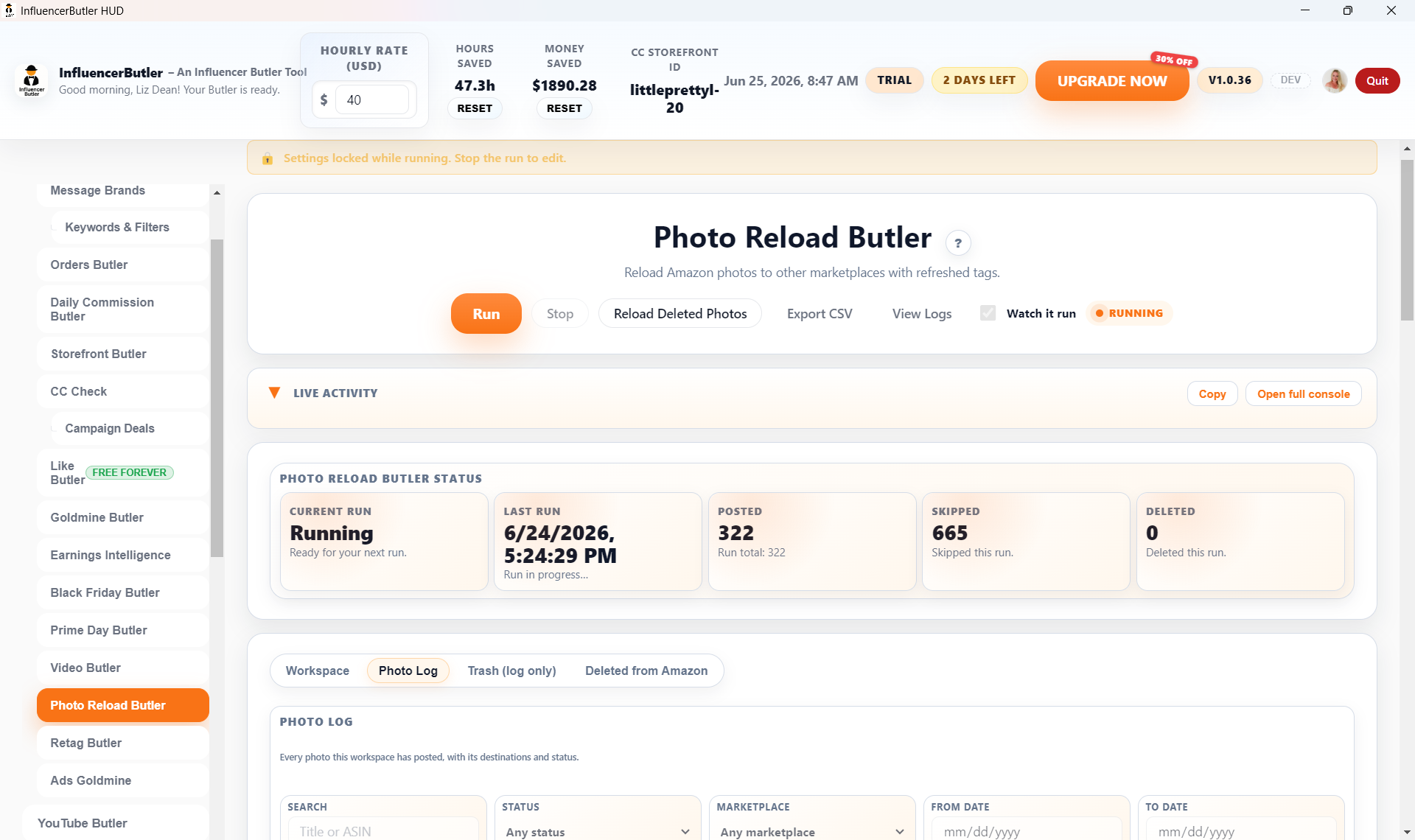
Re-upload the same photo to Canada, the UK, Australia, and Singapore by hand. Re-tag every one. Lose the photos Amazon removed.
One run fans a photo out to every marketplace you are eligible for with fresh tags, and a saved copy means a deleted photo can always go back.
How it saves you time, money, and headaches
- The same shoppable photo earns in four more storefronts, with no extra shooting or editing.
- Every delete saves the original to your computer first, so a removed photo can always be reloaded.
- Availability checks skip out-of-stock products, so you do not post dead links that drag down your metrics.
What’s in the box
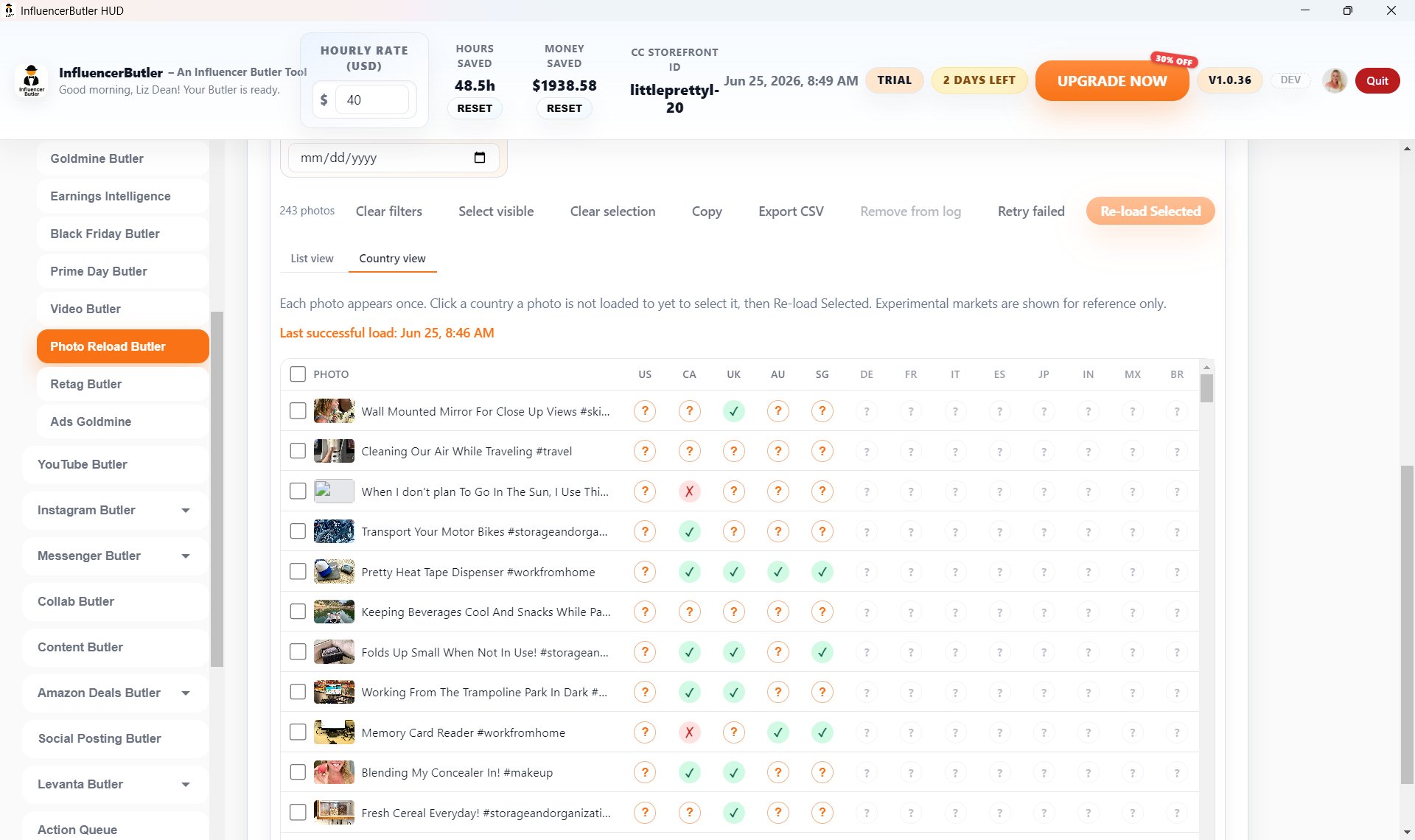
- Fan-out to Canada, the UK, Australia, and Singapore from your US photos in a single run
- Preferred Formulas: three one-click mixes that fill in source, destinations, and filters for the most common reload paths
- Delete-before-repost to refresh a photo on its own storefront, with the original downloaded to your computer first
- Reload deleted photos from the Deleted from Amazon tab, each with its locally saved original
- Skip-unavailable checks before posting and at tag time, both fail-open so an API error never blocks a post
- Title-based matching that finds a product’s foreign listing by name and product image when the ASIN does not exist abroad
- Duplicate filters by title, ASIN, both, or already-posted-to-that-marketplace
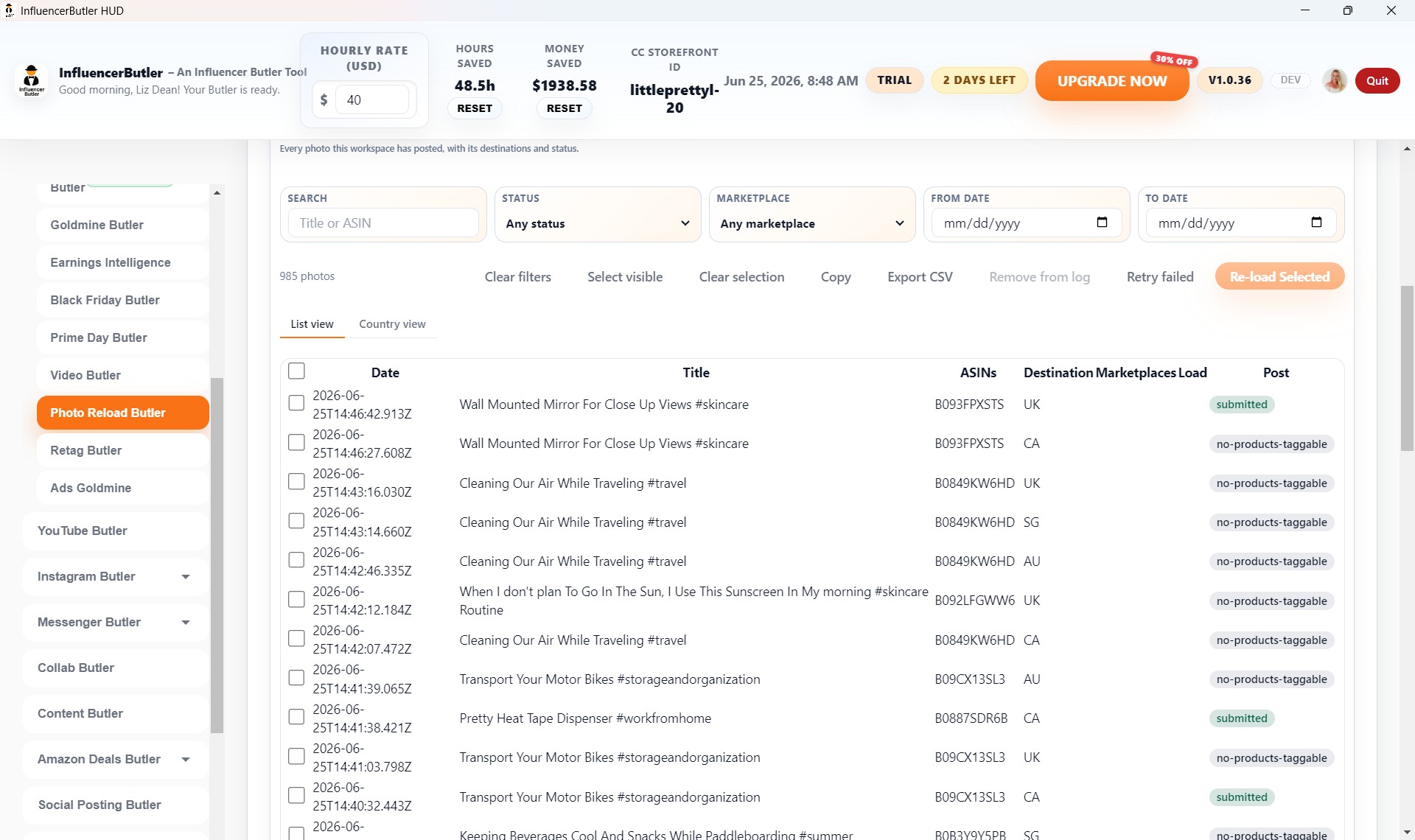
- A Photo Log that tracks every post with its destinations and status
Watch the 3-minute walkthrough
Copy Your Photos Everywhere: Photo Reload Butler. Recorded inside the app and narrated start to finish.
Read the video transcript
Same idea, for photos. This is the photo version of Video Reload. It takes the shoppable photos already on your storefront and re-posts them to the other marketplaces, so one image earns in every store you are eligible for.
Included in the Beginner plan. Quick note on plans. Photo Reload Butler is included in the Beginner plan, so everyone has it.
It reads Storefront Butler. It reads your photos from the Storefront Butler table, so sync that first. It posts to your real storefronts, so nothing is pressed today.
Step 1: preferred formulas. Three steps. Step one opens with Preferred Formulas: fan out US photos to Canada, the UK, Australia and Singapore, a US re-upload, reload my proven winners, or in-stock products only. One press fills in the source, destinations and filters.
Source and destinations. Or set them yourself. Photo source is the marketplace your photos live on, and Upload destinations are where the copies go, each with its own sign-in.
Skip unavailable products. Skip products that are currently unavailable checks stock first, so you are not posting dead links.
Step 2: what to process. Step two: a timeframe, and Max photos per run. Ten is plenty the first time.
Skip duplicates. Skip duplicates stops the same image posting twice: same title, same product, or already posted to that marketplace.
Step 3: run mode. Step three is the one to read twice. Run mode: Post and keep the original is the safe choice. The other modes remove the original from Amazon, after saving a copy to your computer.
Winners and fresh titles. Winners first reloads only photos whose products earned commissions. Refresh the title gives each copy a new hook, and Translate titles writes them in each marketplace's language.
Run. Run opens Chrome, reads each eligible photo, and posts it to the destinations you picked. Watch it run in the top bar keeps the browser on screen.
The photo log. The Photo Log tab records every post with its destinations and status. Deleted from Amazon keeps the originals it removed, and Reload Deleted Photos can post them back.
Next step. Your next step: press Fan out US photos, set max photos to ten, keep Post and keep the original, and run it once.